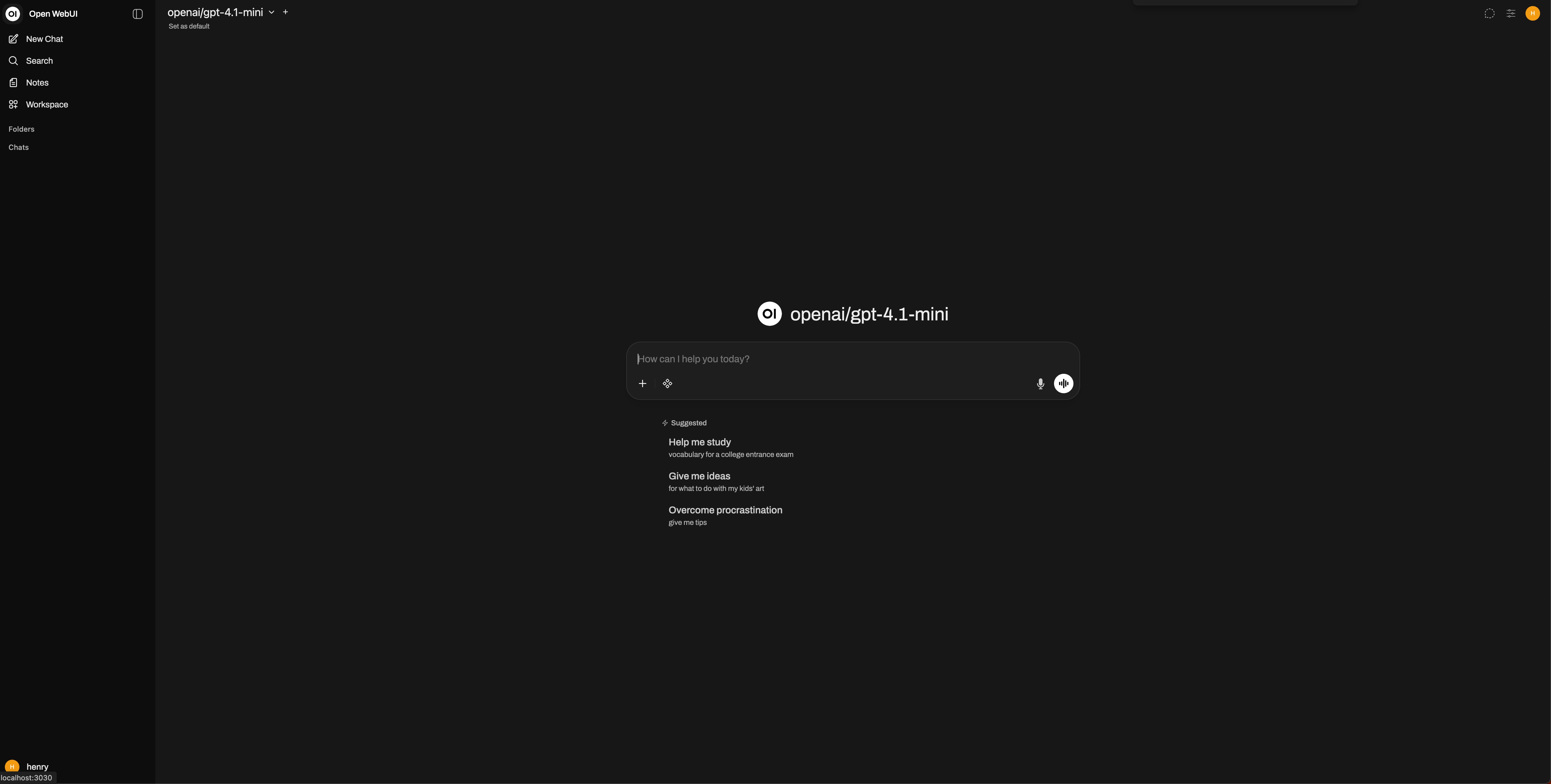
Guide to Using Open WebUI with ZenMux
Open WebUI is an extensible, feature-rich, and user-friendly self-hosted AI platform designed to run fully offline. It supports multiple large language model runtimes such as Ollama and OpenAI-compatible APIs, and includes a built-in RAG inference engine, making it a powerful solution for AI deployment.
Compatibility Notes
ZenMux fully supports the OpenAI API protocol and can be used with minimal configuration.
Note the OpenAI protocol base_url="https://zenmux.ai/api/v1".
Configuration
Install Open WebUI
Reference
Configure External Links
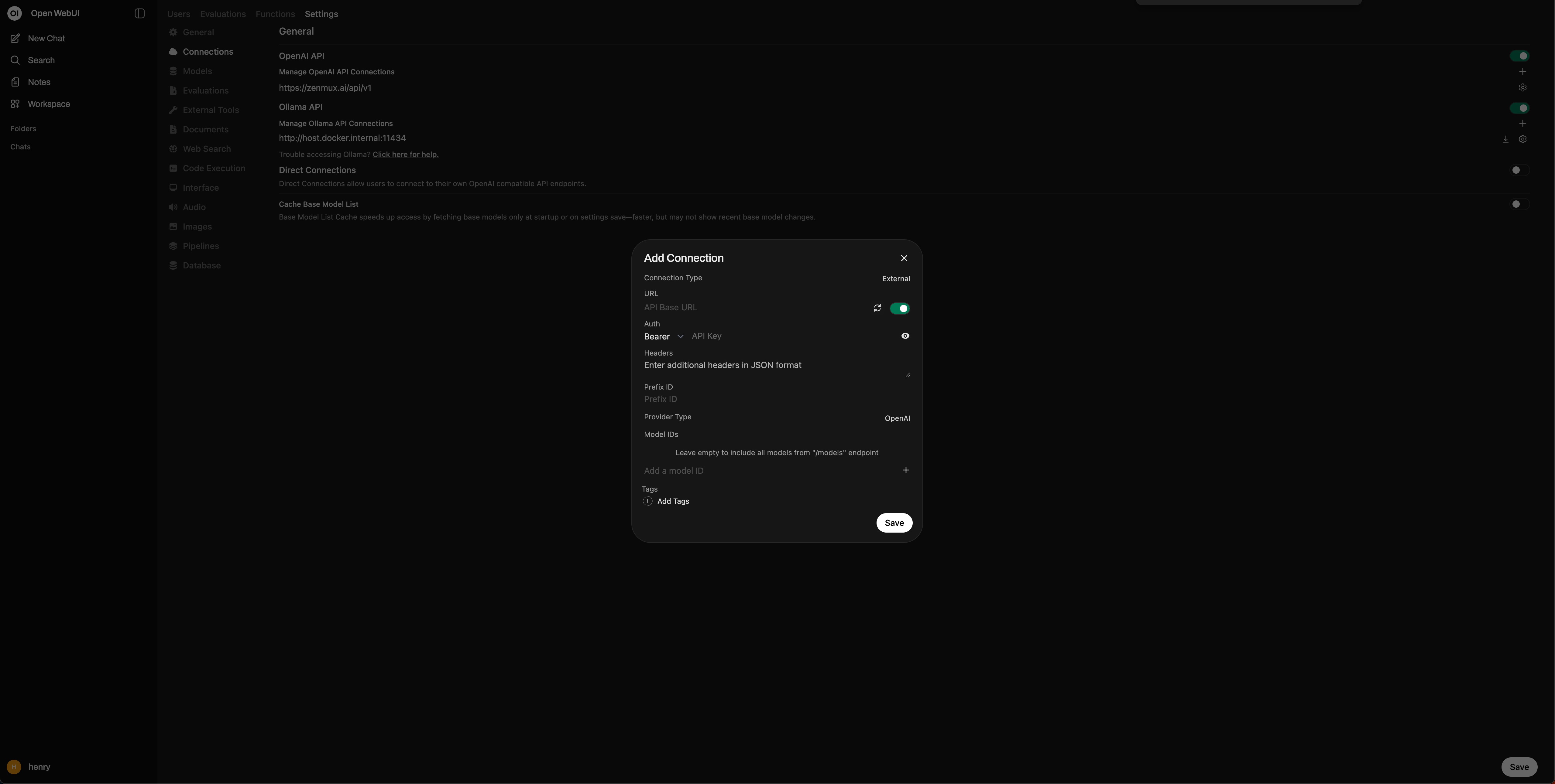
- Click ⚙️ Admin Panel
- Go to Settings > Connections > OpenAI API > Manage OpenAI API Connections
- Click ➕ Create New External Link
- Enter URL: "https://zenmux.ai/api/v1"
- Enter API Key: ZenMux API Key
- Click Save
Get Started
- Click New Chat
- Select a model from the top-left
- Start chatting
Model Selection
Open WebUI automatically syncs all ZenMux models and selects one by default.